
Sky Glass & Stream users get recording upgrade alongside AI-powered Smart Voice
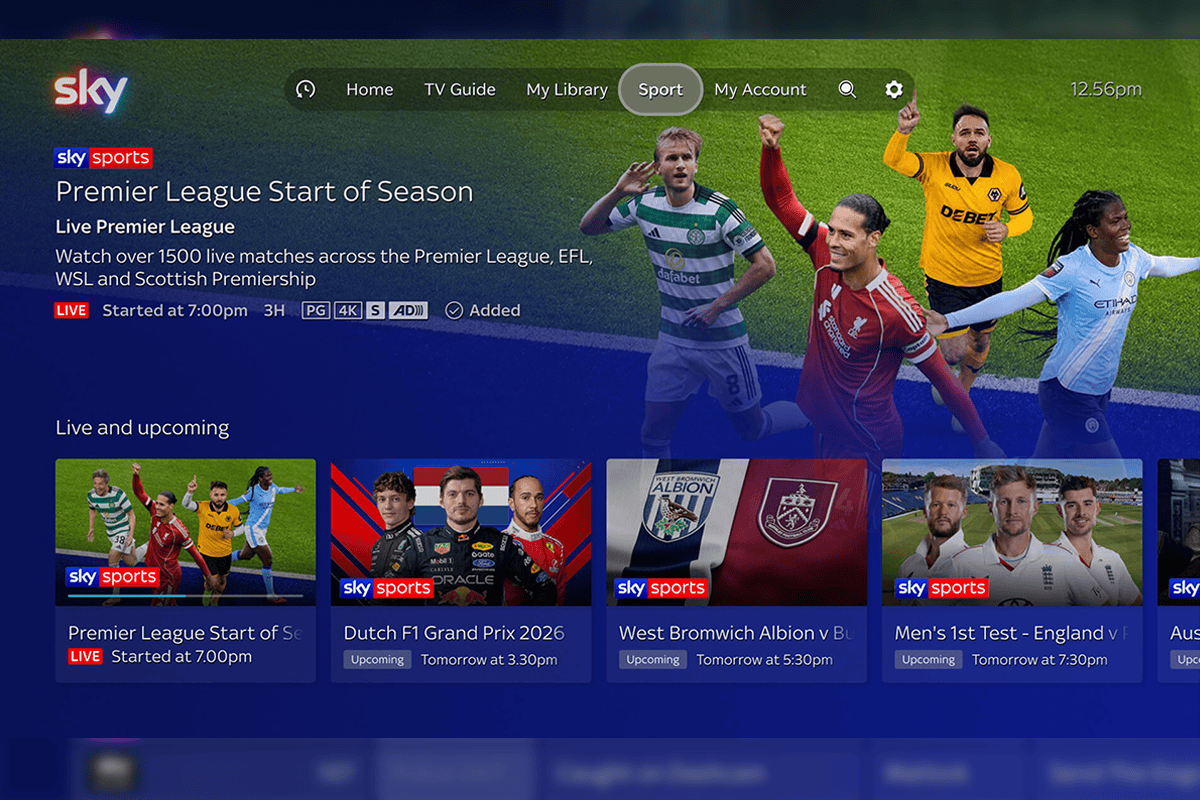
Sky has officially unveiled a major upgrade to Sky OS for Sky Glass and Sky Stream customers, confirming the rollout of enhanced recording controls alongside a new AI-powered voice assistant and redesigned user experience.
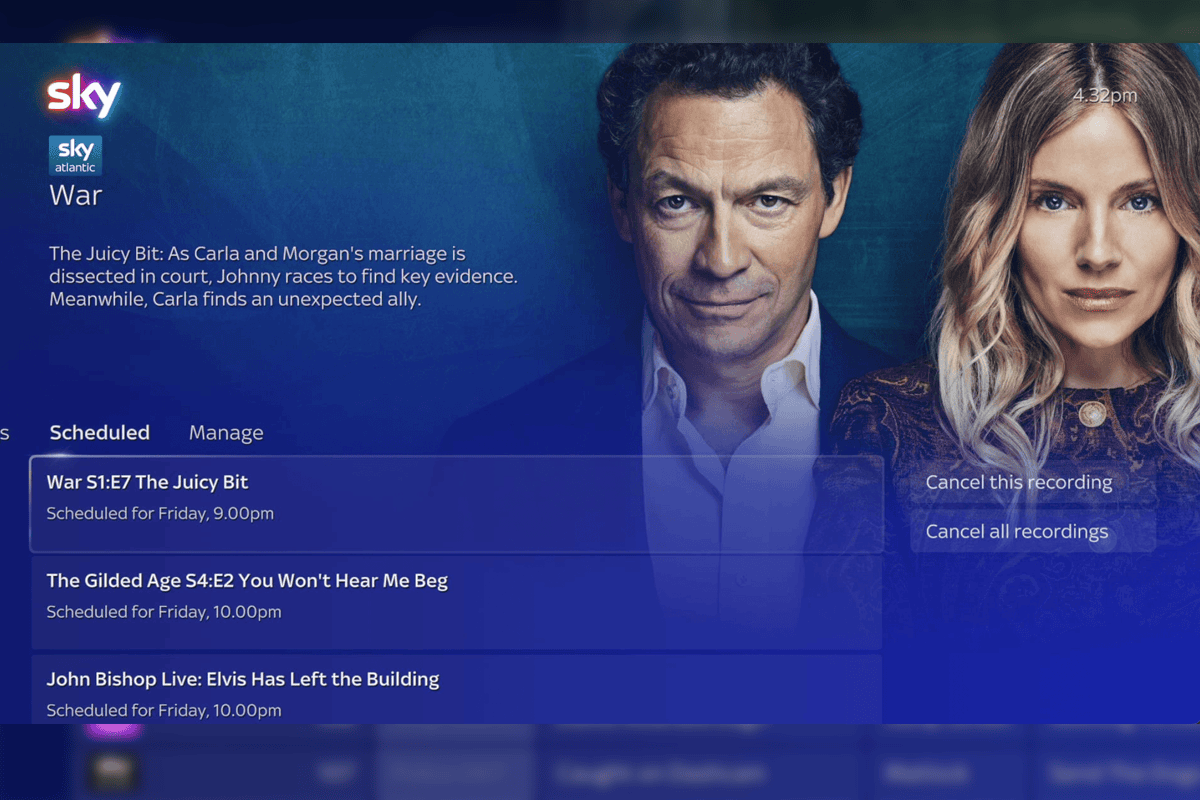
The software update introduces significantly greater control over cloud recordings, marking one of the most notable changes to the platform since its launch. Users will now be able to manage scheduled recordings, cancel individual or series recordings, and delete saved content through a new “Manage Recordings” section within My Library. Sky said customers can store up to 1,000 hours of cloud recordings.
The recording enhancements were first reported by BizAsia in September after evidence of expanded recording controls surfaced during testing of the platform. Sky has now officially confirmed the feature as part of the new Sky OS rollout, introducing a dedicated recording management section that allows customers to view, amend and delete cloud recordings from a single location.
The update forms part of a broader overhaul of Sky OS, which also adds Smart Voice, a conversational entertainment assistant that allows viewers to search for content using natural language, as well as a redesigned homepage, updated navigation and a new sports hub.
Carli Kerr, managing director of Sky TV & NOW, said: “There’s more great TV to enjoy than ever, and we want to make finding it feel effortless. Smart Voice gives customers an intelligent entertainment assistant built into Sky, so they can now talk to the TV like they would a friend, making it easier to find something they’ll love.
“The new Sky OS makes the whole experience better, from getting straight to live TV to finding favourite shows. We’ve made it even quicker to get to sport and created My Library to make it easier to manage recordings and bookmarked TV on your Watchlist. Sky OS evolves through software, so we can keep innovating to make Sky Glass and Sky Stream even better, at no extra cost.”
Under the update, My Library becomes the central destination for Watchlist content, favourite teams and actors, reminders and cloud recordings. For the first time, Sky Glass and Sky Stream users will be able to view scheduled recordings, modify recording options and manage saved programmes from a dedicated recordings interface.
Sky is also introducing Smart Voice, which enables viewers to search for programmes, films and live sport by describing plots, actors, settings or moods, while follow-up questions can be used to refine recommendations. The assistant can also provide on-screen information about programmes and performers without viewers needing to leave the platform.
The updated operating system introduces a refreshed homepage and top navigation bar featuring quick access to TV Guide, My Library, Sport, Search and Settings. Sky said the changes are intended to simplify navigation and make live TV and recorded content easier to access.
Related to this

 .
 .
Sky Q disappears from online sales – Here’s what happens next
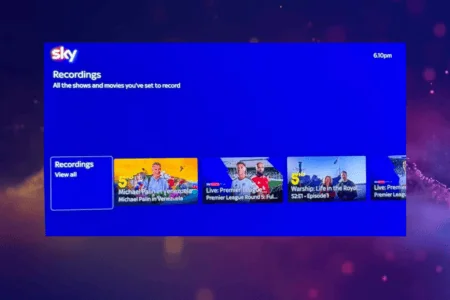 .
Sky Stream & Sky Glass recording feature moves closer to launch
Sports viewers will gain access to a dedicated sports homepage displaying live, upcoming and on-demand events, alongside personalised recommendations based on favourite teams and competitions. The update builds on features such as “Your Multiview”, which allows viewers to watch up to four live Sky Sports events simultaneously on a single screen.
The company is also refreshing its Sky Go app, enabling eligible customers to continue watching supported programmes across compatible smartphones and tablets in Full HD quality, while also managing recordings remotely.
What’s new on Sky OS at a glance
Smart Voice: Sky’s new entertainment assistant helps customers find shows and films using plots, actors, settings, or moods; ask follow-up questions; and receive recommendations.
New top navigation bar: A new top navigation bar puts TV Guide, My Library, Sport, Search and Settings within easy reach.
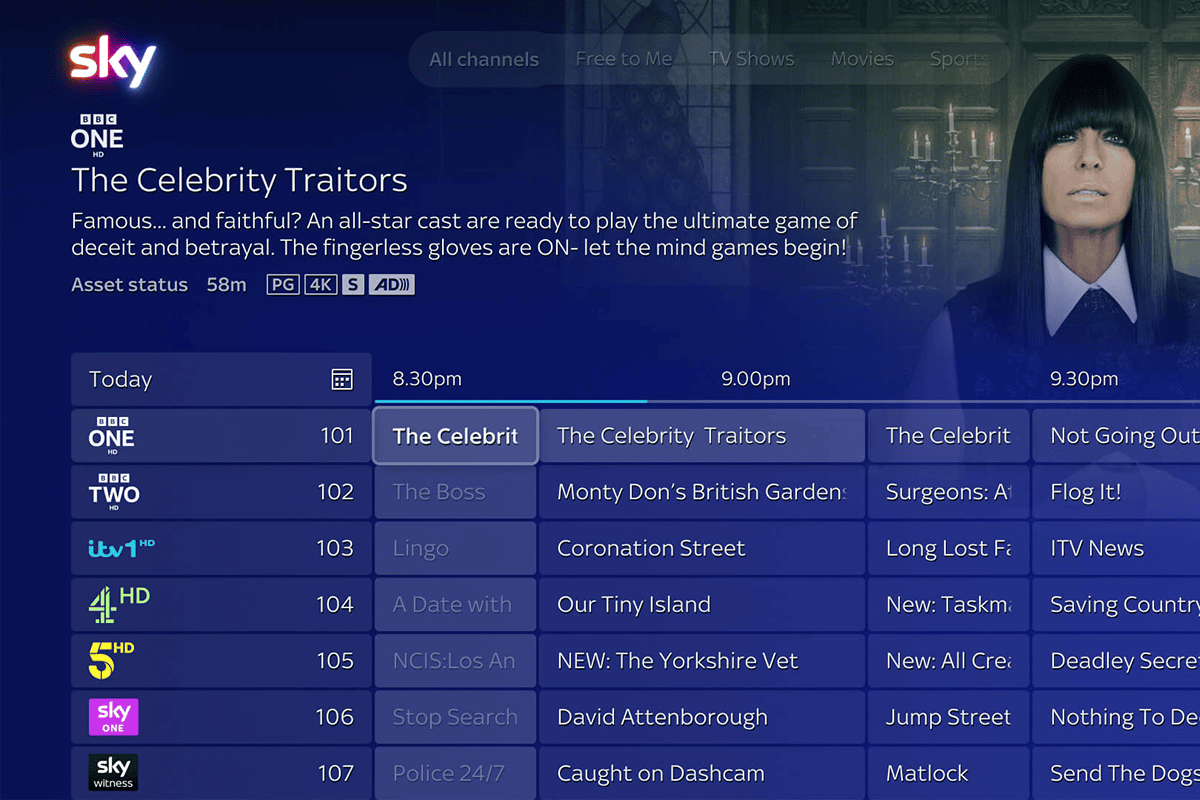
A refreshed TV Guide: A new look and feel, with channel logos, genre browsing and Day Picker help customers see what’s on now and look ahead.
Recents: A new shortcut button next to Home brings Continue Watching with recently watched shows, live channels and apps.
My Library: The new home of Watchlist (bookmarked shows) and up to 1000 hours of cloud recordings, with more options to save, record and manage eligible programmes and sporting events.
Sports Home: Live, upcoming and on-demand sport together, with relevant recommendations helping fans find the action they love.
Viewing controls: Programme information, TV Guide, subtitles, audio description, and recording options are close at hand without leaving what they’re watching.